In Minecraft PvP, players constantly hunt for even the smallest advantage over others. One often overlooked feature is crosshairs, even though they can make a huge difference. Whether you're trying to break your winstreak record in Hypixel BedWars, playing Skywars with friends, or simply want a nicer looking crosshair, customizing your crosshair can benefit both your PvP performance and aesthetics.
While Vanilla Minecraft's crosshair is functional, it wasn't optimized for PvP or other tasks. That's where Lunar Client comes in, offering extensive customization. Using Lunar Client, you can fine tune your crosshair to match your playstyle. With 14 preset crosshairs and a built in 16×16 grid for custom designs, Lunar Client gives you full control over your crosshair's looks and behavior.
A custom crosshair isn't just about looks, it's about performance. Some players prefer a clean, minimalistic crosshair for better focus, while others want a bolder design that stands out against the background. The right crosshair can give you clarity in chaotic fights, improve your accuracy with weapons, and help build muscle memory. Whatever your preference, optimizing your crosshair could be the key to gaining an edge in Minecraft PvP, and Lunar Client makes editing simple and fast.
How to Make a Custom Crosshair in Lunar Client
Creating a custom crosshair in Lunar Client is simple and doesn't require any extra tools or resource packs. Here's how you can do it!
Open Lunar Client with your favorite version - don't worry, your crosshair will work and stay the same between all versions.
Open the mods page via pressing Right Shift and clicking Mods
From there find the "Crosshair Mod" and enable it if it's not already enabled
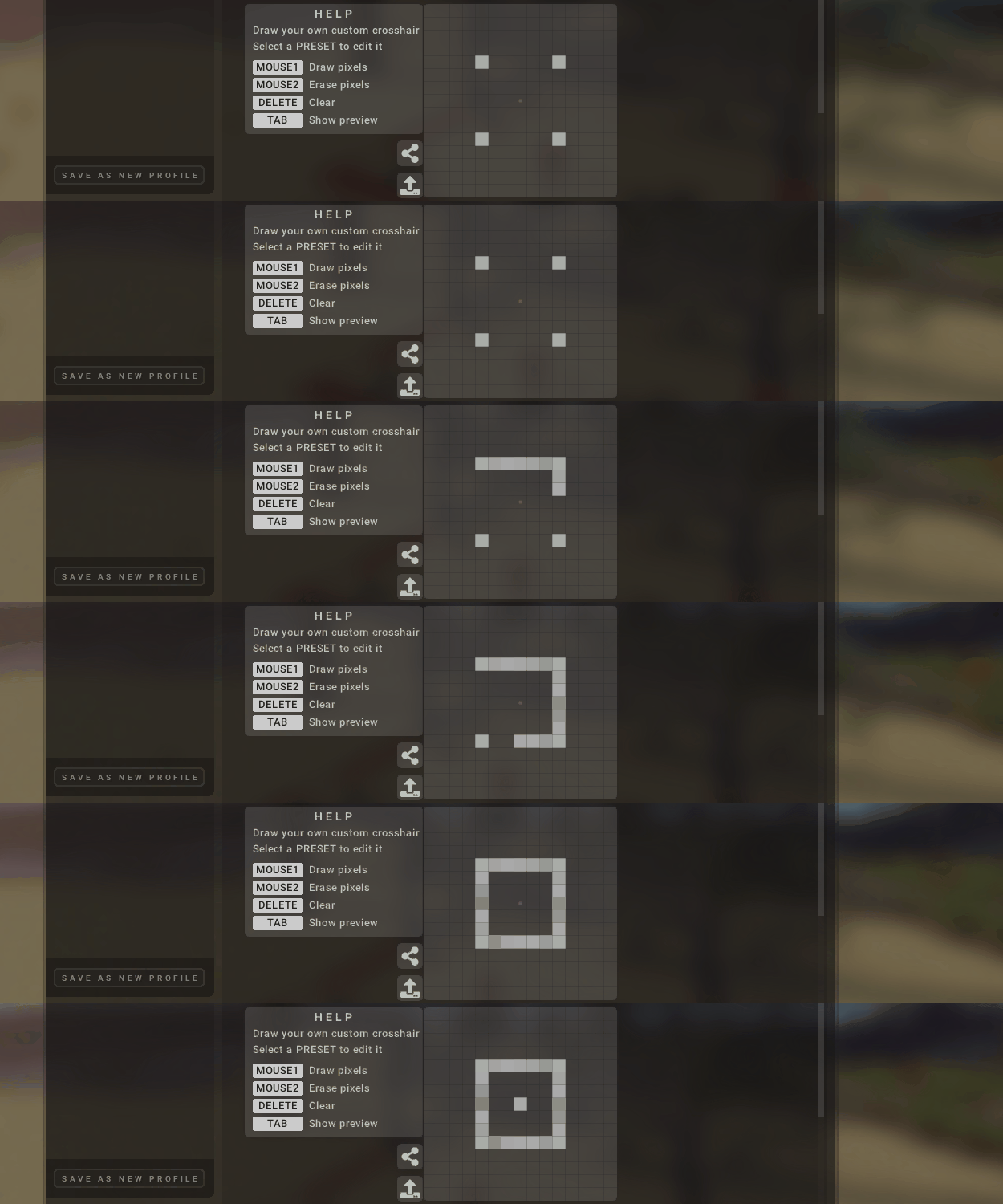
After that you’ll see a screen like above, from which you can adjust your crosshair to your liking. Left clicking draws a pixel, right clicking erases a pixel, it's that simple! You can draw anything from a small circle to a smiley face all by clicking the squares. Even better, you can share crosshairs with friends using the export button, which they can then copy and easily import into their game. There are also 14 preset crosshairs to choose from if that’s more your style.
Importing a Custom Crosshair
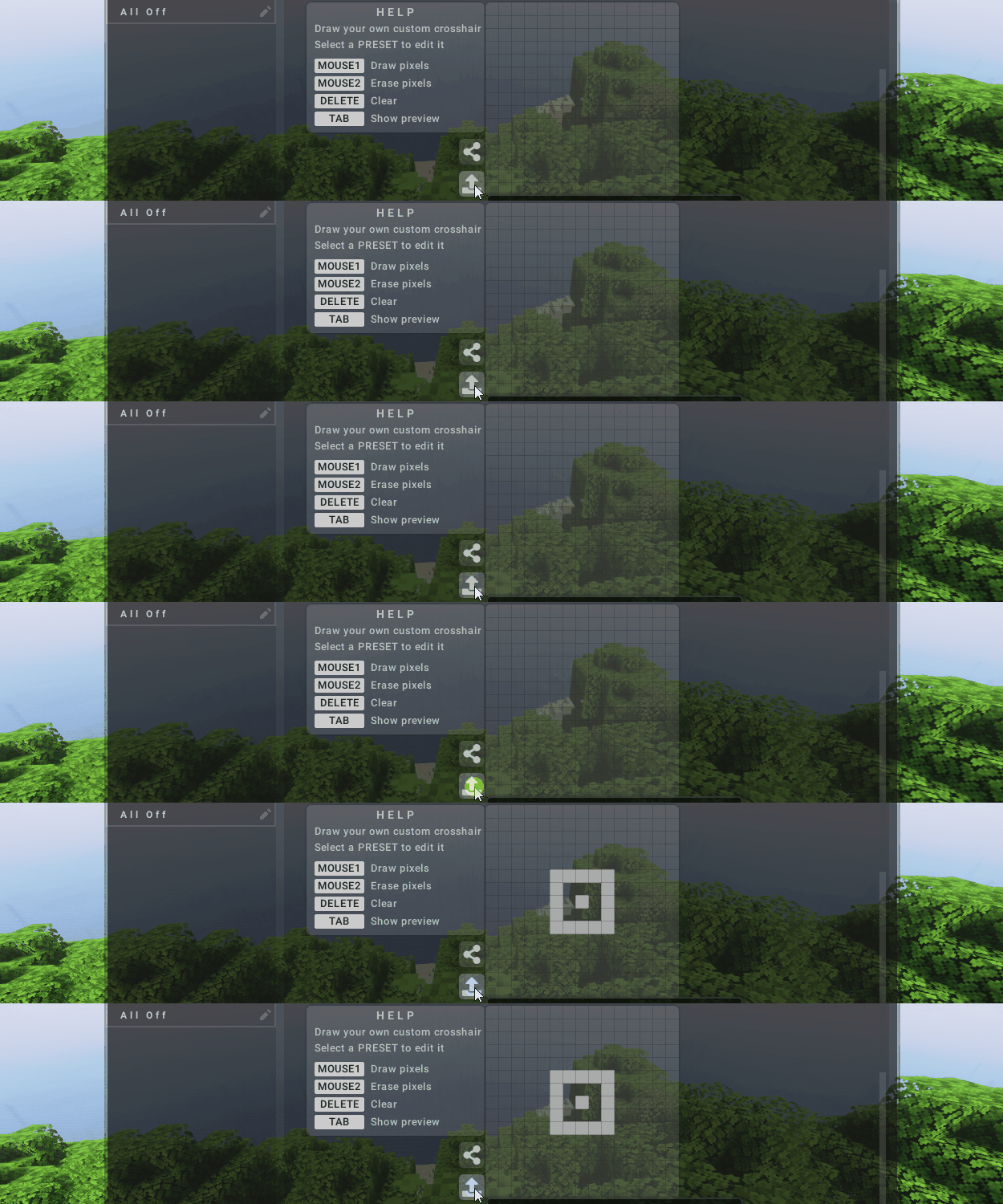
Importing a crosshair is easy enough. You'll need a Lunar Client crosshair code, which typically starts with "LCCH-" followed by a series of numbers and letters (for example, LCCH-5-P9b4AQ). These codes allow you to easily share and import crosshairs. Simply copy the code to your clipboard and click the import button as seen below.
Our Favorite Crosshairs
The Plus
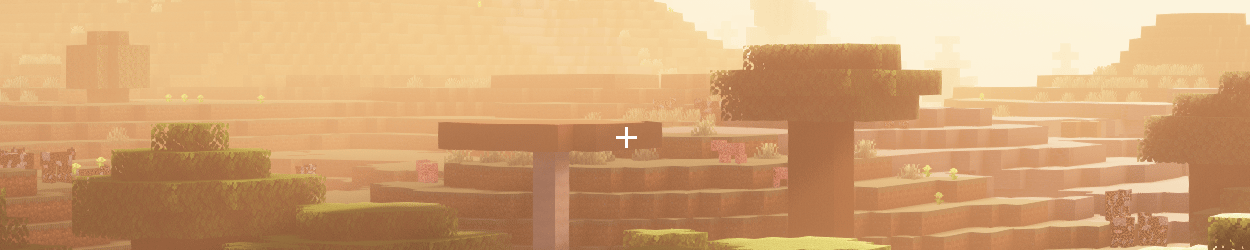
A simple yet versatile crosshair, it offers great visibility and a clear screen to simplify aiming. While it’s the original Minecraft crosshair, It's perfect for general PvP and building, making it a go to choice for long term players.
LCCH-7-CATij0AgAA Import this code to use this crosshair!
Dot Crosshair
A tiny dot in the center of your screen may not look like much, but it provides an even cleaner look than the plus while letting you be more accurate as well. Nothing complicated, it's all about aim for these ones.
LCCH-5-7v/vAA Import this code to use this crosshair!
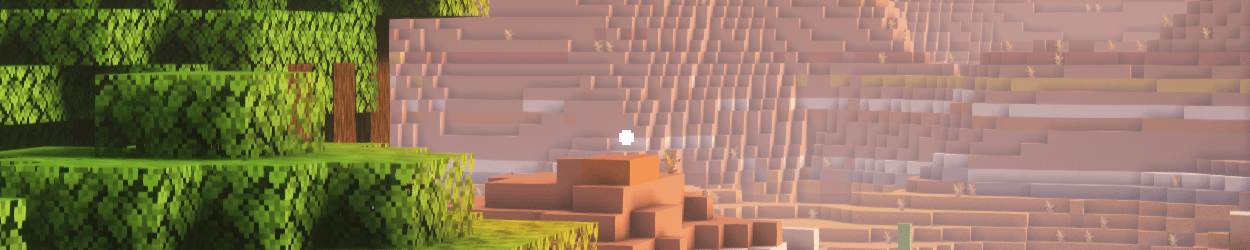
Circle Crosshair
This crosshair features a circle around the center, drawing the eye towards the middle and providing a solid reference for aiming!
LCCH-9-OIgIipgzoiAiOAA Import this code to use this crosshair!
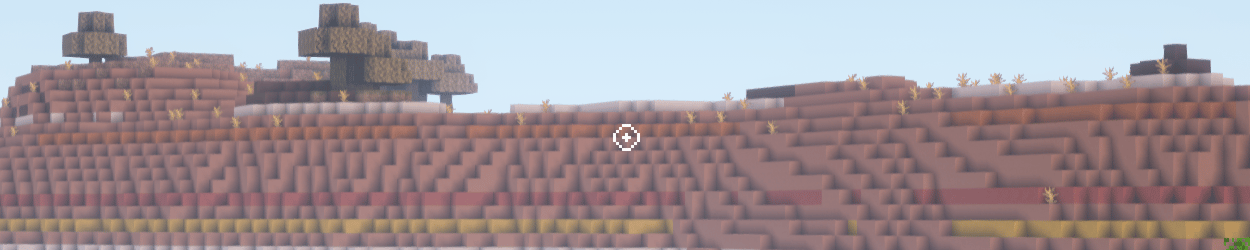
Boxed Cross
Combining a box crosshair with our previous plus crosshair gives us the boxed cross, a crosshair uniquely good for bridging as it has multiple straight lines to line yourself up with.
LCCH-9-/iJGjPg+YsSI/gA Import this code to use this crosshair!
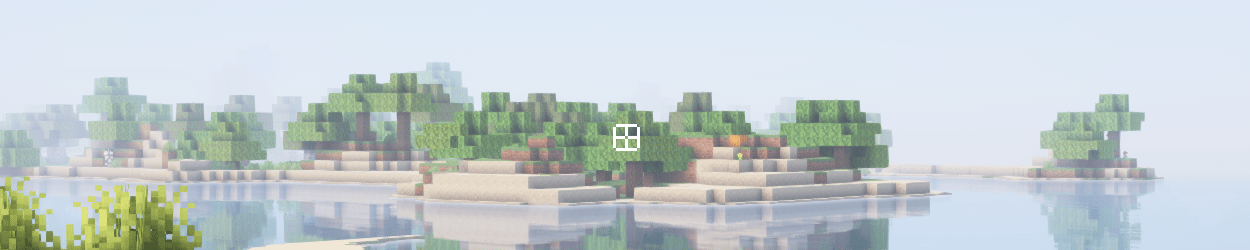
Fun Designs
Not every crosshair has to be serious or only for PvP, some players like having crosshairs to show their personality or just to appeal visually to them. There are many user-generated meme crosshairs such as hearts, smiley faces, rick rolls, and even more.
LCCH-37-AAAAAAAAAAAAAID/DwAA//8HAPj//wOA////APj//z+A////D/j///+B////f/D///8f//9/4OP//wdw/v//AMz/wJ+B+QfwMxB/APzA5weAM/z9AHCGvx8GjsNvwsDh360AOPwzN4/nB0b++z/GwL3/2wmc/7+zgXEA+DpwYH+fAx7u3zmAx/ubA/Bxfz4A/ADwAQD8/w8AAP4/AAAAAAAAAAAAAAAAAAAAAA Import this code to use this crosshair!
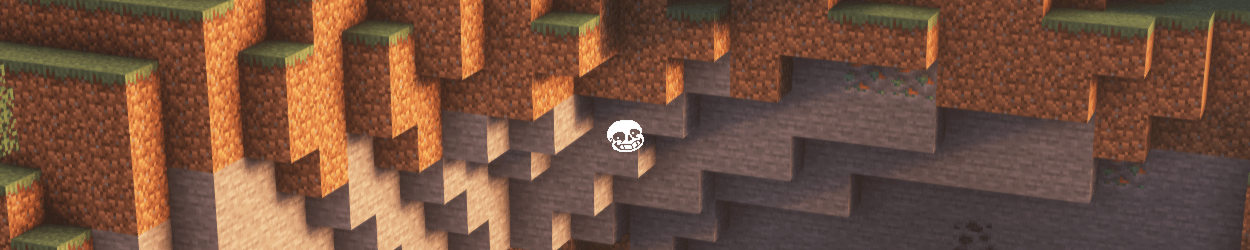
While often overlooked, crosshair play a key role in PvP, building, and general gameplay. Thanks to Lunar Client's easy customization, you're not limited to default or preset crosshairs. You can create the perfect crosshair that suits your style, whether you prioritize clarity, effectiveness, or fun. Experiment with different designs and share your creations with us! The impact on your gameplay might just surprise you.
If you have any questions or are experiencing issues with your client, create a ticket on our Support Website or join the Lunar Client Discord server! If you are unsure of how to create a ticket, please view the Lunar Client Support Guide.